
폴더 1
Trial balance
The month’s closing trial balance exports the day the period locks.

Month-end close guide
Make month-end feel manageable again
Yes, when the sequence is fixed and daily habits do the heavy lifting. This guide gives finance teams a repeatable close built on reconciliation, expense capture, and clear ownership. It suits teams of one to ten who close Korean company books in cloud systems.
Pick Day 1 through Day 5 and assign owners for banks, payables, receivables, expenses, and final review. Publish cutoff times for submissions, especially for late receipts and card claims.
Teams in Seoul often set expense cutoff on the last working day and bank review on the first morning after. A visible calendar reduces chasing — and a calendar nobody can find sits at the bottom of the pile after the first week.
Daily hygiene
Waiting until month-end turns reconciliation into detective work. Confirm feeds each morning, match large items first, and clear small exceptions the same day.
OCR receipt scanning helps when card lines match submitted photos automatically, but someone still approves the category. By close week, banks should need only a final sign-off.
Ten quiet minutes with coffee beats a fifty-line cleanup on Day 5. The habit that carries the close is the one that never waits for close to start.
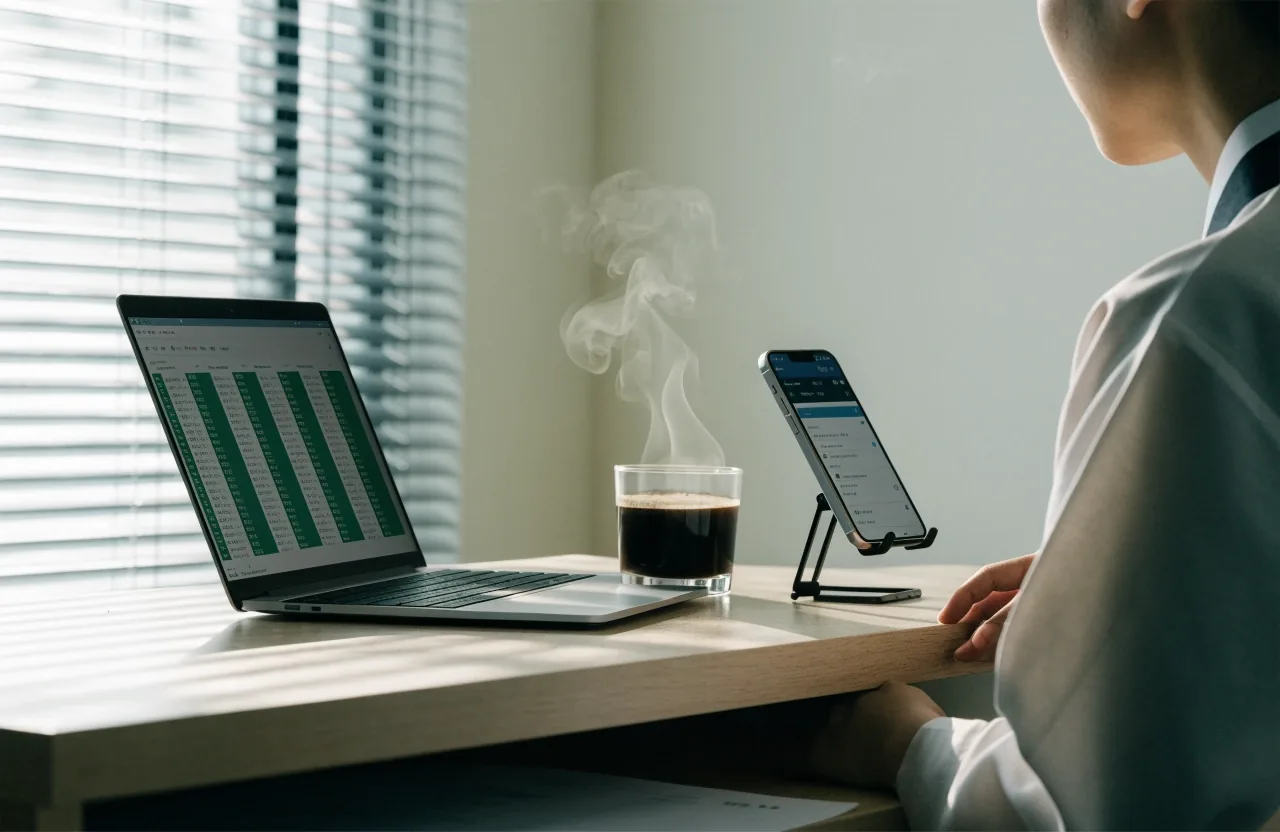
Receipt images land in the same queue as the card lines they belong to — the review is a glance, not a search.
Expenses stall close when receipts arrive late or codes vary by person. Use one submission path, one required photo standard, and a short list of categories tied to the chart of accounts. Approvers clear queues daily during close week. Unapproved items move to accruals with owner names, not into a vague suspense balance.
Ownership
Give posting rights only to those who post regularly. Others get submit or approve rights. Lock prior periods after review so adjustments need a named request. The audit trail then tells a clear story for managers and external bookkeepers. Fewer hands on the ledger means fewer reversals.
A close that finishes in five days has a shape the team already knows. Walk the days in order, and Day 5 becomes a confirmation instead of a rescue.
Keep notes on recurring adjustments so next month starts cleaner.

After the period locks
Export and store the trial balance, reconciliation summaries, and VAT inputs for the month. Log any post-close entries with reasons. Hold a 20-minute review of what slipped and fix the template, not the people. That short loop is how experienced teams shorten close over two or three cycles without adding tools.
The folder that holds the close is not the folder that holds the ledger. Keeping them apart is what stops a quiet adjustment from reopening a locked month.
The month’s closing trial balance exports the day the period locks.
Each account’s matched and unmatched items, with the exceptions that stayed open.
The exact figures handed to the VAT return, kept beside the return they fed.
Unapproved items with a named owner, ready to clear in the next cycle.
Every adjustment after the lock, with the reason it was made and who asked for it.
What slipped, what to change in the template, and who carries it into next month.
Common questions
Two questions come up more than any other when a team starts a fixed close sequence. Neither one needs a new tool — they need a daily habit and a clear approval rule.
Reliable bank feeds, clear approval roles, expense capture with readable receipt images, and a period lock with audit trail. Reporting that shows open items by owner helps more than extra dashboards.
They shift effort from typing to reviewing. Feeds and scanned receipts bring data in, while staff confirm categories and exceptions. Daily 10-minute reviews keep month-end to confirmation rather than cleanup.
Still on paper at close? The e-invoicing and VAT workflow guide walks the same sequence through Korean e-tax filing.
Month-end sits at the junction of three other workflows — e-invoicing, platform choice, and the receipts you scan every morning. Each has its own guide.
E-Invoicing and VAT Workflow
How the same close sequence feeds a Korean VAT return without retyping.
Compare Accounting Platforms
Which cloud accounting systems carry a five-day close for a small Korean team.
Weldravia Archive
Every Weldravia guide on cloud accounting workflow, kept in one place.
Contact
26 Eulji-ro 5-gil, Jung-gu, Seoul 04522, South Korea · [email protected]